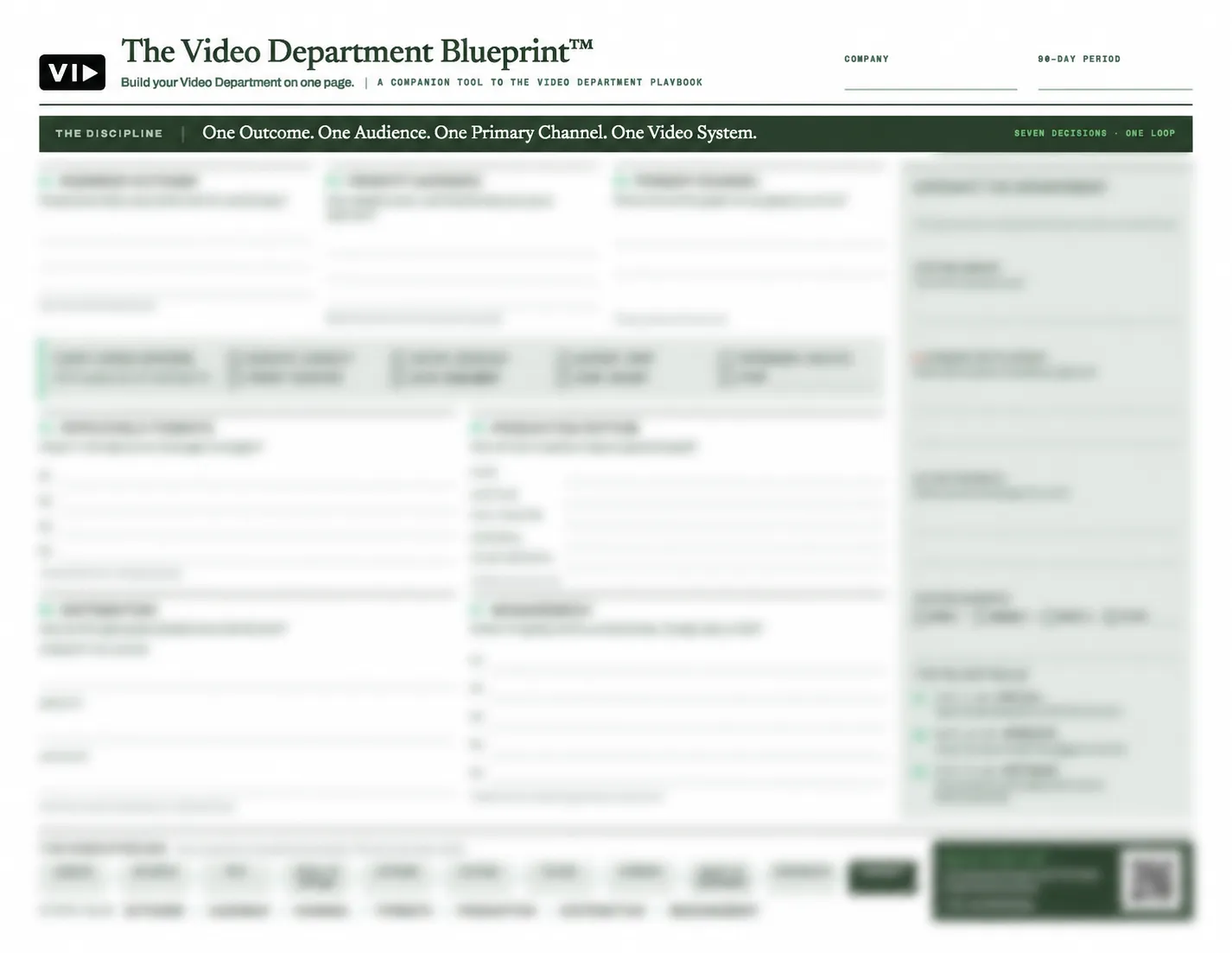
VID Blueprint is the self-guided implementation course that teaches you how to build a Video Operating System inside your marketing team — using the same four-layer framework VID deploys during a VID Install engagement.
It is not a general video marketing course. It is not a collection of tips and tactics. It is the complete VidOS™ framework — Strategy, Operations, Performance, and Deployment — taught in four structured modules with downloadable templates, Notion workflows, script frameworks, and a 30-day implementation roadmap your team executes from the day the course ends.
The difference between Blueprint and Install is execution. In Blueprint, your team builds the system. In Install, VID builds it for you — in 30 days, with a senior team, production assets included, and a Double Guarantee that it runs without us by Day 45. Blueprint is the right starting point when your team has the time, the internal resources, and the genuine willingness to implement — and the budget for a full Install is not yet there.
What you build in Blueprint:
In Module 1 — Strategy, you build the foundation everything else runs on. Your Messaging Framework. Your Format Stack — the three to five repeatable video formats your team produces every week, every month, permanently. Your Video Channel Blueprint mapping where you show up and why. Your 90-Day Content Roadmap. And your Revenue Alignment Framework connecting every format to a specific business outcome. By the end of Module 1, your team knows exactly what to produce, why, for whom, and what each piece is supposed to do in the buyer journey.
In Module 2 — Operations, you build the workflow that makes production repeatable without depending on any single person. Script templates for every format in your stack. A production workflow documenting how ideas move from concept to published asset every time. A production cadence calendar. An asset naming convention and storage architecture. And internal role definitions so every team member knows their part in the process. By the end of Module 2, your production process lives in your project management system — not in anyone's head.
In Module 3 — Performance, you build the measurement infrastructure that connects video to pipeline. A KPI dashboard. A CRM integration framework linking video consumption events to deal records. A UTM tracking structure for every distributed asset. A hook testing model for systematically identifying which openings and angles produce the best results. By the end of Module 3, your team can answer the question every CMO gets asked — what is video actually doing for revenue — with data instead of estimates.
In Module 4 — Deployment, you turn the framework into a specific 30-day implementation plan. Named owners. Due dates. SOP documentation templates for every stage of the production process. A team role assignment guide. And a review process design so content moves from production to publish without the approval bottlenecks that stall most teams. By the end of Module 4, your team has a sequenced roadmap they can execute starting the day the course ends.
What is included with Blueprint:
The course itself — four structured modules with video walkthroughs of every concept, template, and implementation step. A complete downloadable template library covering every strategic document, script framework, workflow diagram, and calendar structure referenced in the course. A pre-built Notion workspace with your production workflow, content calendar, script library, asset management system, and performance tracking structure — duplicate and use from Day 1. Script frameworks with hook structures, narrative arc templates, and CTA guides for every video format in the standard Format Stack. Pre-built tracking spreadsheets for content performance, hook testing, production velocity, and KPI monitoring. And SOP outline templates for every step of the production process from brief through publish.
Lifetime access is included. No subscription. No recurring fee. Everything downloaded and owned permanently.
What Blueprint does not include:
Blueprint teaches the system. It does not build it for you. There is no video production of any kind — no filming, no editing, no post-production. There is no script writing service — the course teaches the framework, your team writes the scripts. There are no ongoing strategy calls, no dedicated VID contact assigned to your account, and no revision or feedback on your implementation work. If any of those are requirements, Blueprint is not the right starting point. A Video Sprint or VID Install is.
Who Blueprint is built for:
Blueprint is the right fit for B2B founders at companies under $5M in revenue, early-stage marketing teams with limited production budget, marketing managers ready to build internal video capability without external help, and agencies wanting to adopt the VidOS™ framework for their own client delivery. The common thread is teams that have the time, the internal resources, and the genuine willingness to implement — and who understand that buying the course is not the same as building the system. Implementation requires effort. Blueprint provides the framework. Your team provides the execution.
The honest thing most people need to know before they buy:
Most teams who complete Blueprint fall into one of two groups. A small number implement the full framework independently and build a running video system. The majority — somewhere between 60 and 90 days into implementation — hit the organisational friction that no course fully prepares you for. Competing priorities. Personnel changes. Leadership bandwidth. The reality of building an operating system inside a company that is simultaneously trying to use it.
When that moment comes, the Install conversation is the easiest one we have. The team already knows the framework. They already believe in the system. They already know exactly where they are stuck. And the $1,000 Blueprint purchase is credited in full toward the Install deposit — so the investment was not wasted. It was the first step.
Blueprint is where the VidOS™ journey starts. For most teams, Install is where it finishes.