The most common reason B2B executives and marketing team members do not produce consistent on-camera video is not that they lack a camera or a message. It is that every time they sit down to film, the setup takes too long, the result does not look professional, and the frustration of starting from a blank production problem every time makes the whole process feel harder than it is worth.
Solo video production does not need to be complicated. It needs to be documented. Once your camera position, your lighting setup, your audio configuration, and your on-camera delivery workflow are established and written down, filming a professional-quality video takes 20 minutes from sitting down to hitting record — not two hours of troubleshooting.
In this video, Dallin Nead walks through the complete solo video production setup — covering every decision that determines whether a self-filmed video looks professional or amateur, and giving you a documented standard you can replicate from any location without a production crew, a lighting technician, or a director in the room.
What this video covers:
Camera setup and positioning — the framing, the distance, and the eye line that make a self-filmed video look intentional rather than improvised. Why the camera position relative to the eye line is the single most important technical decision in solo video production — and the specific configuration that makes the presenter appear confident and engaged rather than small and distant in the frame.
Lighting for solo production — the minimum lighting setup that eliminates the flat, unflattering result that most self-filmed video produces, how to use natural light correctly when a dedicated lighting setup is not available, and the specific LED panel configuration that produces a professional result in any indoor environment without requiring a lighting technician to operate it.
Audio for solo production — why the microphone decision matters more than the camera decision for most self-filmed video, the three microphone types that cover every solo filming context, and the placement and recording level settings that produce clean, professional audio in an untreated room without soundproofing or acoustic panels.
Background and environment — how to configure any filming environment — a home office, a corporate office, a coworking space — to produce a background that communicates professionalism and brand without requiring a dedicated studio or a purpose-built set.
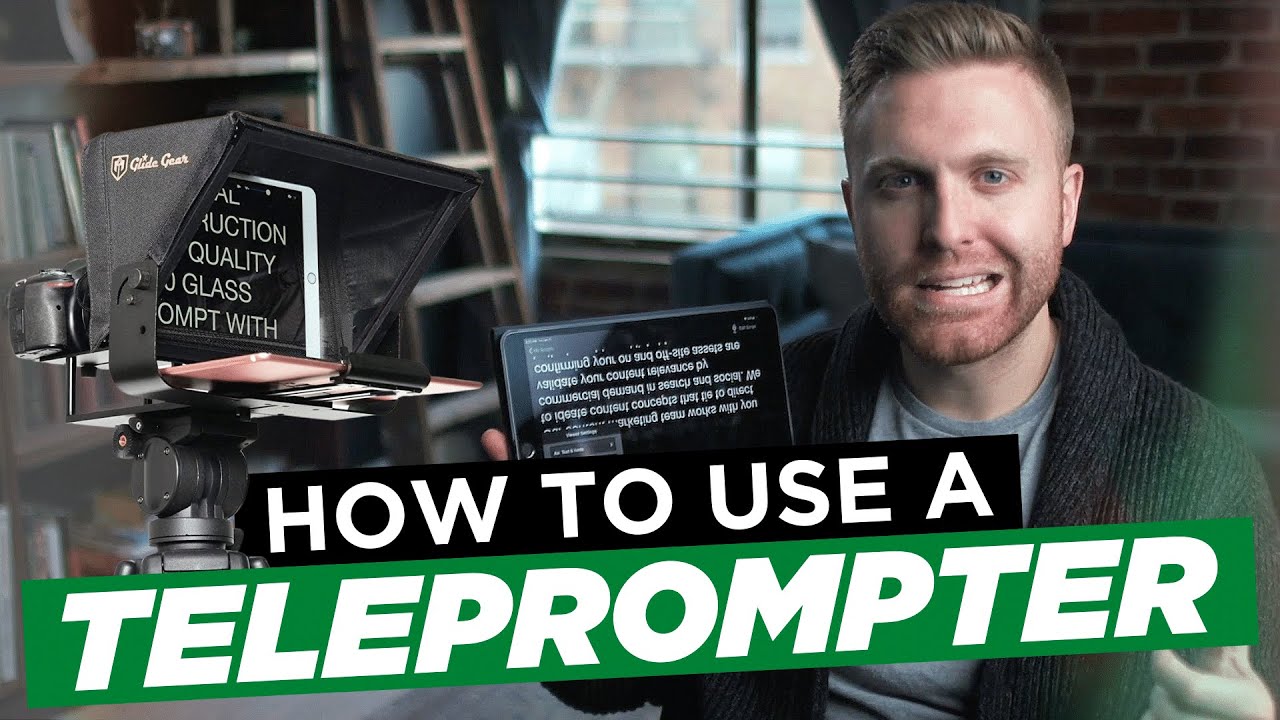
Teleprompter and script delivery — how to use a teleprompter application to deliver a scripted video while appearing to look directly into the lens, the scroll speed calibration that makes teleprompter delivery feel natural rather than robotic, and the specific delivery coaching techniques that make the difference between a presenter who reads a script and a presenter who performs one.
The repeatable filming standard — how to document every element of the solo production setup into a one-page filming standard that any team member can follow to replicate the same result from any location, on any filming day, without rebuilding the setup from memory every time.
Who this video is for:
Founders, executives, and marketing team members who need to produce professional on-camera video consistently without a production crew — and who want a documented solo filming setup they can replicate from any location in under 20 minutes. Marketing teams building an internal video production capability for authority content, sales enablement video, and executive communications. And anyone who has tried to film a professional-looking video by themselves and been frustrated by the gap between what they produced and what they were trying to achieve.