
Your team records a good conversation with an executive. Everyone agrees there is useful material in it. Then the questions start.
Who is this for? Is it a LinkedIn video or a YouTube episode? Does the opening need to change? Who approves the edit? Should sales get a copy? What happens after it goes live?
Each question is reasonable. Answering all of them from scratch for every video makes a regular publishing schedule difficult to maintain.
Before adding another recording session to the calendar, decide how the work will move. A clear operating process gives your people something they can actually repeat.
Four takeaways for marketing leaders
- Give each video a specific buyer question and business purpose before production starts.
- Choose a primary channel so the format, packaging, and distribution have a clear starting point.
- Plan the recording cadence around real access to experts and approval capacity.
- Assign someone to carry the work through publication and learning, with clear owners at each step.
Why a faster edit does not fix every delay
Editing software can help finish a video. It cannot decide which buyer the video should help or resolve two executives asking for conflicting changes.
That distinction matters when evaluating AI tools, freelancers, and new hires. Find the stage where work is waiting before deciding what resource to add.
Wistia's June 8, 2026 analysis of its State of Video research describes growing use of both internal production resources and outside agencies. It also recommends applying AI to practical workflows. This is broader video-marketing research, not a benchmark specifically for B2B companies with your team size.
Our interpretation: more ways to create video make clear decisions about the work even more useful. A tool can accelerate a defined step. Somebody still needs to define it.
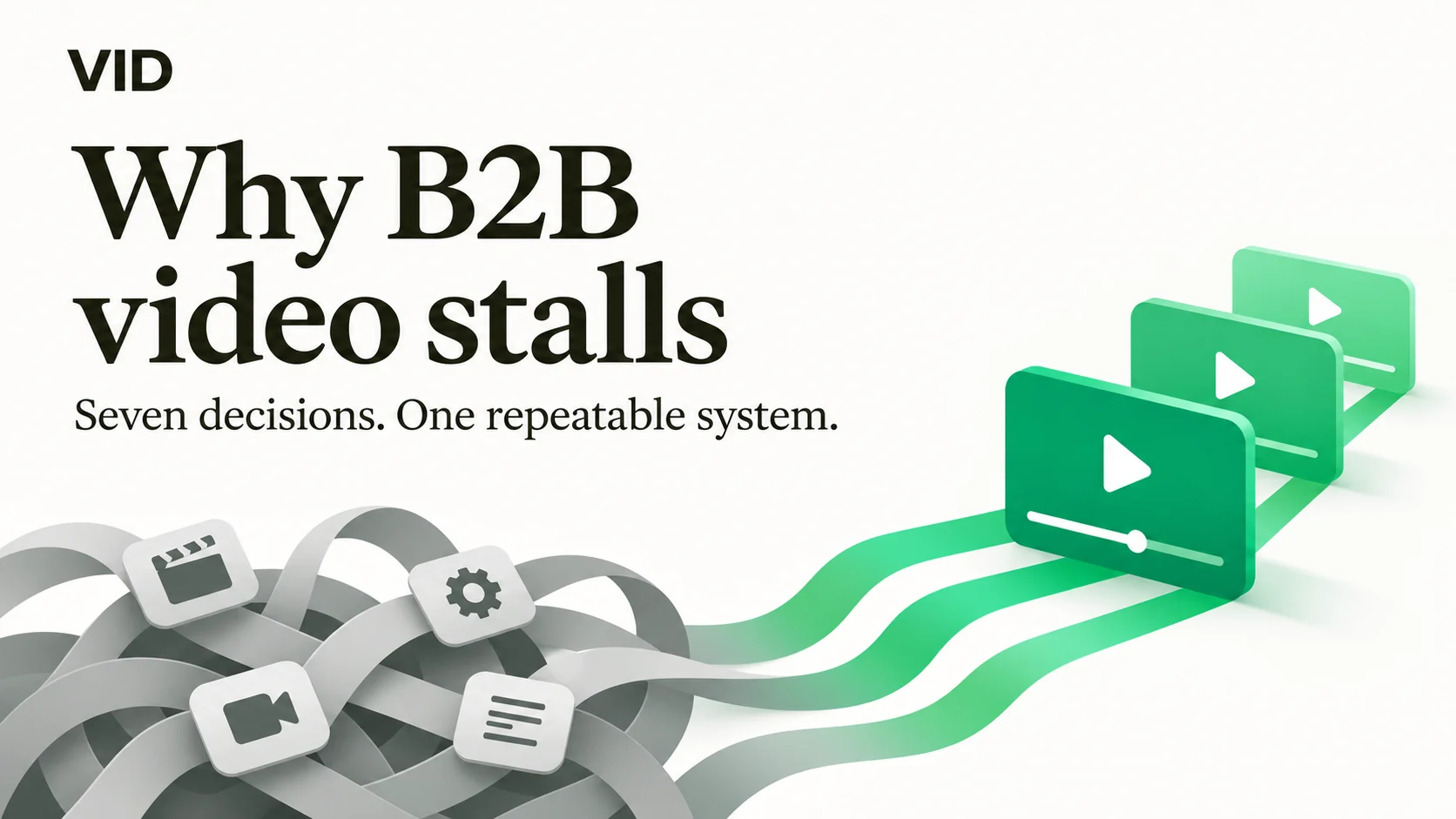
At VID, we organize that thinking around seven decisions: Outcome, Audience, Channel, Formats, Rhythm, Distribution, and Measurement.
Here is how to use them before your next recording.
1. Outcome: give the video a job
“We should post more video” leaves too many choices open.
Try a more specific starting point: help prospective customers understand the implementation effort before they request a demo. That gives the team something concrete to explain and a reason to choose one topic over another.
Consider a hypothetical B2B software company whose sales team repeatedly answers questions about switching from spreadsheets. A useful first series could explain migration, team adoption, and rollout planning. A general founder interview might be interesting, but it would need a different brief.
Write the outcome in one sentence. Then ask what a viewer should understand or be able to do after watching. That second question keeps the brief useful even when revenue attribution is incomplete.
2. Audience: choose the person with the question
A finance leader evaluating cost and an operations manager evaluating daily usability can watch the same demo and need different answers.
Choose a primary reader or viewer for the series. Give the team a working description that includes role, situation, and question. For example: “Operations directors preparing to replace a manual scheduling process who need to understand rollout risk.”
Use real sales questions, support conversations, and customer interviews when those sources are available and appropriate to use. Keep confidential details out of public scripts.
Avoid turning an internal guess into a customer claim. If you have not validated a question, treat the first video as an editorial hypothesis and watch for useful responses.
3. Channel: choose where the full idea belongs
Choose a primary destination before recording. The right choice depends on the buyer's behavior and the job you defined.
A detailed walkthrough may belong in a searchable video library or on a product page. A focused executive point of view may suit a LinkedIn series. A sales explanation may be most useful in a follow-up email to an active opportunity.
You can adapt material for several channels. Give the original piece a clear home first so the recording has the right depth and structure.
For a hypothetical implementation series, the full answer might live on YouTube and a relevant website page. LinkedIn clips could introduce individual questions, while sales uses the specific episode that answers a prospect's concern. That is a proposed distribution design, not a guarantee of reach or pipeline.
4. Formats: make the next episode easier to brief
A repeatable format reduces the number of creative decisions the team needs to make each week.
An expert-answer format could use the same simple structure: the buyer's question, the usual mistake, a clear explanation, an example, and a practical next step.
A customer story needs a different structure and appropriate customer permission. A product walkthrough needs a defined use case and accurate product details. Choose the format that supports the outcome instead of making every topic fit an interview.
Create a short format brief that describes the opening, expected depth, supporting visuals, and finish. Leave room for the expert's actual perspective. Repeat the structure without scripting everyone into the same voice.
5. Rhythm: match the promise to real capacity
Start with the recording time your experts can reliably protect. Then account for preparation, editing, review, packaging, and publication.
Suppose an executive can provide one hour every other week. A reasonable pilot might be two focused answers per session, subject to how much preparation and editing each needs. Test that assumption before promising a weekly show and daily clips.
Put the review window on the calendar too. Name one person who consolidates feedback and define which changes require another review. Product accuracy, legal requirements, and customer permissions may need specialist input; identify those dependencies early.
When a video misses its date, record where it waited. That gives you a better capacity discussion than asking the editor to work faster by default.
6. Distribution: plan the handoff before the export
An approved video still needs a title, description, cover or thumbnail, captions, destination, and publishing owner.
Define those requirements in the brief. Decide whether the video also belongs on a relevant page, in a sales resource collection, or in a campaign follow-up. Avoid making distribution an unlimited list of extra tasks.
For each derivative clip, ask whether it makes sense without the full conversation. A useful excerpt should carry enough context to stand alone. If it needs a long explanation to become understandable, choose another moment or produce a separate short answer.
Give one person responsibility for checking that the final asset is live, correctly presented, and connected to the intended next step.
7. Measurement: decide what you want to learn
Measure the work against its purpose. Reach can help assess distribution, but it does not establish that the intended buyers understood the message.
For an educational series, review available viewing data alongside relevant comments, questions, and sales-team feedback. For a conversion path, use tagged links and actual registration data where your systems support them. Distinguish an observed click or registration from a claim that the article caused a sale.
Track operational performance as well: recordings completed, time waiting for review, and videos published as planned. These numbers tell you whether the process is becoming dependable.
A small pilot may provide directional learning rather than a decisive commercial result. Record that uncertainty instead of forcing a confident conclusion from a few views.
A practical bottleneck check for your next production meeting
Use one delayed video as a working example. Write down the date it entered each stage and the date someone could actually begin the next step. Separate time spent working from time spent waiting. Then choose the smallest change that would have removed the longest wait.
- Waiting for a topic decision: approve the buyer question and intended outcome before booking talent.
- Waiting for an expert: reserve a recurring recording block and send the question in advance.
- Waiting for feedback: designate one person to consolidate comments and agree on a review deadline.
- Waiting after approval: assign the publishing owner, destination, and packaging requirements in the brief.
For the next two production cycles, track whether that specific wait becomes shorter. Keep the test focused. Adding an editor makes sense when editing capacity is the constraint; it will not resolve a missing approval decision. These are diagnostic recommendations, not promised results.
Put the decisions into one workable brief
Before your next shoot, write down the outcome, audience, primary channel, format, recording rhythm, distribution owner, and learning question.
Then walk one topic through the process with the people doing the work. Who provides the input? Who approves accuracy? Who consolidates changes? Who publishes? Who brings the results back to the next planning conversation?
Use VID's framework overview as a reference, then make the assignments specific to your team. Keep the pilot focused on one outcome, one audience, one primary channel, and one system your team can operate.
After the first few cycles, review the actual bottleneck. You may need better briefs, more expert access, a clearer approval process, or additional production capacity. The evidence should guide that decision.
Consistent video becomes easier to manage when the next step is clear before the previous one finishes.
If your marketing team is working through these decisions, join the free Video Department Workshop. We will walk through how to turn your expertise into a repeatable video system.