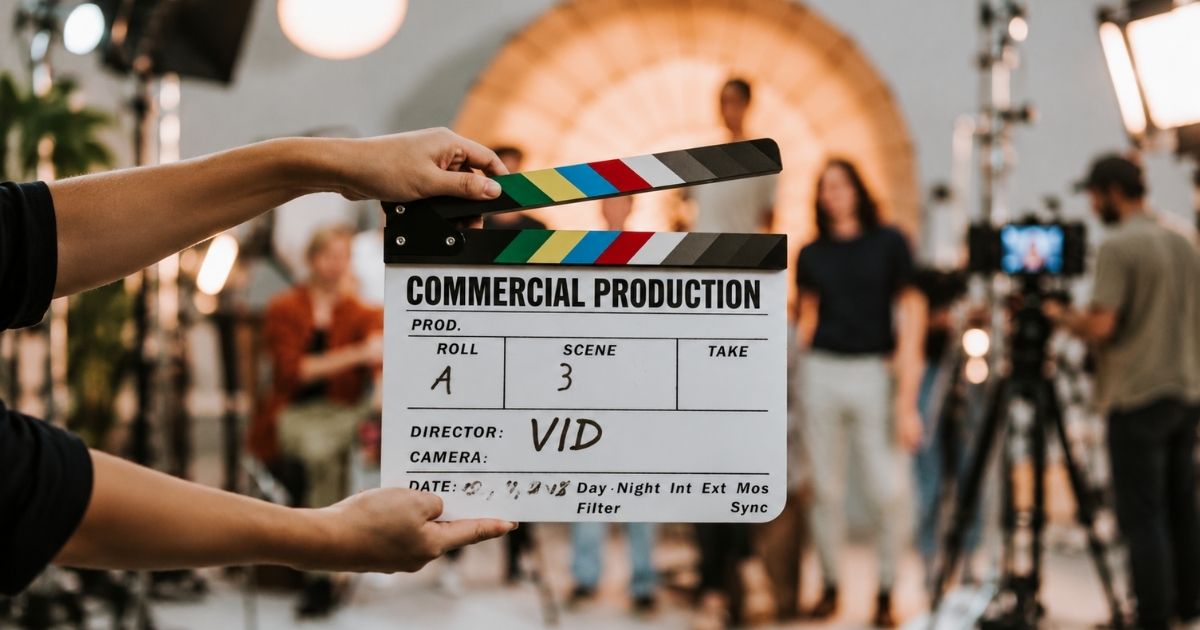
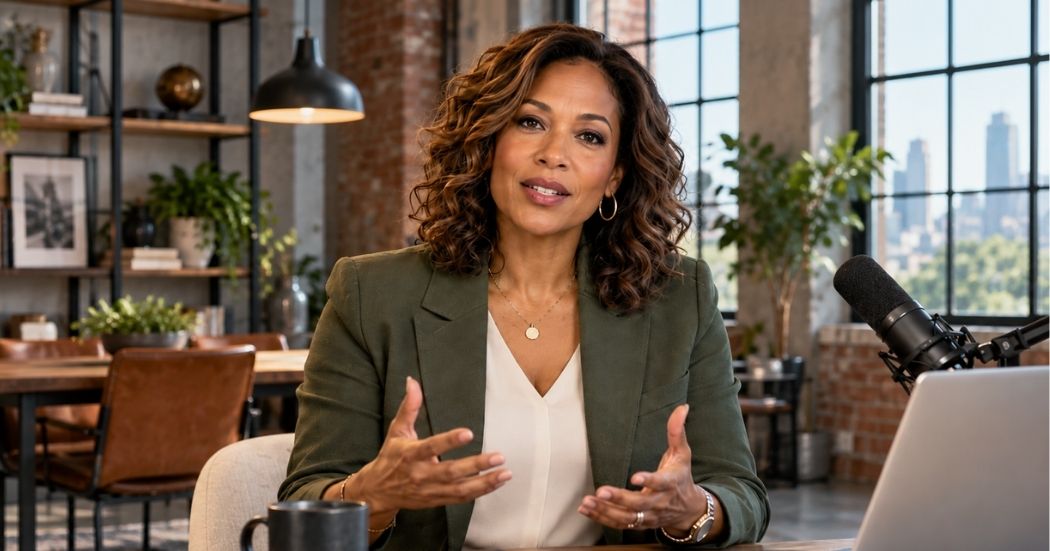
Conference Video Production helps B2B companies capture more value from conferences, summits, user events, trade shows, and industry gatherings by turning one event into a reusable library of video content. VID can capture keynote presentations, breakout sessions, executive interviews, customer conversations, product demonstrations, attendee reactions, sponsor content, behind-the-scenes footage, and event B-roll, then edit that material into full sessions, highlight videos, short-form clips, speaker content, customer stories, social media videos, sales assets, and post-event marketing. The goal is not simply to document what happened. It is to plan the event as a content production opportunity so the ideas, people, proof, and energy created during the conference continue working long after the event ends.
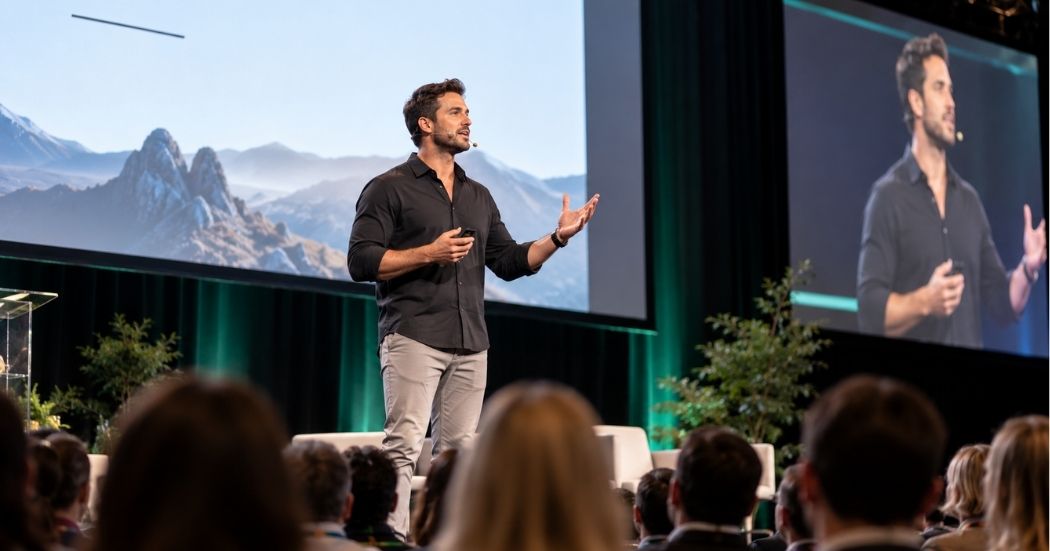
Conference Video Production for B2B Events & Marketing Teams
Create Conference Videos that capture keynotes, speakers, interviews, customer stories, and event moments. VID handles filming, editing, repurposing, and delivery.
Conference Video turns an event into content.
One conference can generate:
- Keynote Videos
- Breakout Session Videos
- Executive Interviews
- Speaker Interviews
- Customer Stories
- Customer Testimonials
- Product Demos
- Event Highlight Videos
- Short-Form Social Clips
- Sponsor Content
- Behind-the-Scenes Videos
- Attendee Reaction Videos
- Recruiting Content
- B-Roll Libraries
The strongest Conference Video strategy starts before the event so the production team knows what needs to be captured and what finished assets should come out of it.
Best For
Conference Video Production is especially useful for:
- B2B SaaS
- Technology companies
- Enterprise companies
- Professional associations
- Healthcare organizations
- Financial services
- Education companies
- Customer conferences
- User conferences
- Industry summits
- Trade shows
- Leadership events
- Product launches
- Sales kickoffs
- Partner events
- Marketing teams producing recurring events
Conference Video Production Process
Event Content Strategy
Define what the conference should produce beyond the live experience.
That may include:
- Full sessions
- Social clips
- Customer interviews
- Executive content
- Product videos
- Highlight reels
- Paid creative
- Sales content
Event Schedule Review
Map:
- Keynotes
- Breakouts
- Panels
- Product launches
- Executive availability
- Customer availability
- Sponsor activity
- Networking
- Important moments
Production Planning
Determine:
- Camera coverage
- Audio feeds
- Interview locations
- Crew
- Lighting
- Stage access
- Credentials
- Release requirements
- File management
Session Capture
Record presentations and panels with the appropriate combination of:
- Multiple cameras
- Presentation slides
- Stage audio
- Audience reactions
- Wide shots
- Speaker close-ups
Interview Capture
Create a dedicated interview area when possible for:
- Customers
- Executives
- Speakers
- Partners
- Attendees
Event B-Roll
Capture:
- Registration
- Networking
- Booths
- Signage
- Speakers
- Audience
- Product demonstrations
- Meals
- Activities
- Venue
- Behind-the-scenes moments
On-Site Editing
Where needed, create rapid-turnaround assets during the event.
Post-Production
Produce:
- Full sessions
- Highlight videos
- Short-form clips
- Customer stories
- Executive videos
- Social content
Conference Video as a Content Production Opportunity
A conference concentrates valuable content into one place.
In a few days, a company may have access to:
- Executives
- Customers
- Industry experts
- Partners
- Employees
- Product teams
- Prospects
Instead of only documenting the stage, a conference can be treated as a temporary content studio.
The production plan can intentionally capture each of these groups while they are already available.
Conference Video for B2B Marketing
Conference content can support months of B2B marketing.
A single event can produce content for:
- YouTube
- Website
- Sales
- Customer marketing
- Product marketing
- Demand generation
- Paid campaigns
- Recruiting
This gives the event a much longer useful life than the dates on the calendar.
Conference Video for Customer Marketing
Customer events create a strong opportunity to capture customer proof.
Customers can participate in:
- Testimonials
- Case Study Videos
- Customer Story Videos
- Product feedback
- Event reactions
- Panel discussions
Capturing multiple customers in one location can make customer-story production significantly more efficient.
Conference Video for Executive Content
Executives often have several relevant topics available during a conference.
VID can capture:
- Keynote
- Speaker interview
- Industry commentary
- Product perspective
- Event recap
- Short-form thought leadership
This can create weeks or months of executive content from one event.
Conference Video for Thought Leadership
Keynotes and presentations can become source material for:
- Full YouTube videos
- LinkedIn clips
- Short-form video
- Articles
- Newsletters
- Webinar content
- Sales follow-up
The strongest ideas should not disappear when the presentation ends.
Conference Video for Product Launches
When products or features launch during a conference, video can capture:
- Keynote reveal
- Product demo
- Executive announcement
- Customer reactions
- Booth demonstrations
- Interviews
- Social clips
These assets can support the broader launch campaign beyond the event.
Conference Video for Trade Shows
Trade Show Video Production may focus more heavily on:
- Booth activity
- Product demos
- Customer conversations
- Executive interviews
- Industry commentary
- Social coverage
- Lead follow-up content
The goal is to turn the trade show into both a relationship-building and content-production opportunity.
Conference Video for Sponsors
Sponsors may need video showing:
- Brand presence
- Booth traffic
- Activations
- Sponsored sessions
- Attendee engagement
- Executive participation
This can support:
- Sponsor reporting
- Renewal
- Future event sales
- Social media
- Partner marketing
Keynote Video Production
Keynote capture can include:
- Multiple camera angles
- Stage audio
- Presentation slides
- Audience reactions
- Speaker close-ups
The finished content can become:
- Full keynote
- Short clips
- Speaker reel
- Educational content
- Social content
Panel Video Production
Panel discussions require careful coverage because several speakers may be participating.
Production may include:
- Wide stage shot
- Individual speaker cameras
- Moderator coverage
- Audience Q&A
- Presentation graphics
- Clean audio for each participant
Panels can then be divided into topic-specific clips.
Conference Interview Studio
A temporary interview studio can be installed at the event to capture a large amount of higher-quality content.
The setup may include:
- Dedicated cameras
- Lighting
- Audio
- Branded background
- Interviewer
- Scheduled guests
This can become one of the highest-value parts of conference production.
Customer Interviews at Conferences
Customer attendance creates a natural opportunity to capture proof.
Questions can cover:
- Original challenge
- Why they chose the company
- Experience
- Product usage
- Business outcome
- Recommendation
A short event interview can become a testimonial, while selected customers can participate in deeper Customer Story or Case Study Video production.
Real-Time Conference Content
Some conference content can be edited while the event is happening.
Examples include:
- Speaker clips
- Event reactions
- Daily recaps
- Executive commentary
- Product demos
- Social highlights
Fast turnaround allows marketing teams to participate in the live conversation around the event.
Conference Video for LinkedIn
Conference footage can create strong LinkedIn content because the event naturally provides:
- Ideas
- Experts
- Customers
- Conversations
- News
- Social proof
Useful LinkedIn formats include:
- Speaker insight
- Customer quote
- Event takeaway
- Executive POV
- Product demo
- Behind-the-scenes
- Daily recap
Conference Video for YouTube
YouTube can become the long-term home for:
- Keynotes
- Breakout sessions
- Panels
- Interviews
- Educational clips
- Product presentations
Session titles and descriptions can be optimized around topics buyers are likely to search for.
Conference Video for Sales
Sales teams can use conference content after the event to continue conversations.
Useful assets include:
- Customer stories
- Product demos
- Keynote clips
- Executive thought leadership
- Industry education
- Event recap
A salesperson can send the most relevant content based on what a prospect discussed at the event.
Conference Video for Event Promotion
Content from one conference can market the next one.
Useful assets include:
- Highlight Reel
- Attendee Testimonials
- Speaker Clips
- Event Trailer
- Venue Footage
- Networking
- Key Moments
Future attendees can see what the experience actually looks like.
Conference Video vs. Event Video
Event Video is the broader category.
It can include:
- Corporate events
- Galas
- Product launches
- Company celebrations
- Community events
- Conferences
Conference Video is specifically designed around multi-session professional events with speakers, presentations, networking, customers, and industry content.
Conference production often places greater emphasis on content capture and repurposing.
Conference Video vs. Webinar Video
A Webinar Video is usually built specifically for an online or virtual educational experience.
A Conference Video captures content generated during an in-person or hybrid event.
Conference sessions can later be repackaged into webinar-style content.
Conference Video vs. Highlight Video
A Highlight Video summarizes the event experience.
Conference Video Production is broader.
It may include:
- Highlight reel
- Keynotes
- Sessions
- Customer stories
- Interviews
- Product demos
- Social clips
The highlight reel is one output within the larger conference content system.
Conference Video vs. Conference Livestream
A Livestream distributes the event in real time.
Conference Video Production can include livestream support, but also focuses on creating reusable recorded content after the event.
The needs of the live audience and the future content audience should both be considered during production planning.
Hybrid Conference Video
Hybrid conferences may serve:
- In-person attendees
- Remote attendees
- On-demand viewers
Video production may therefore need to support:
- In-room screens
- Livestream
- Recording
- Remote speakers
- Presentation playback
- Post-event library
Conference Content Before, During, and After the Event
Before
Create:
- Event trailers
- Speaker promos
- Registration videos
- Executive invitations
During
Capture:
- Keynotes
- Interviews
- Customer stories
- Social content
- Product demos
- Behind-the-scenes
After
Publish:
- Highlight reel
- Full sessions
- Short-form clips
- Follow-up webinars
- Sales content
- Customer proof
This turns the conference into a longer marketing cycle.
Conference Video Repurposing
One conference can generate:
- Event Highlight Video
- Full Keynote Videos
- Breakout Session Videos
- Panel Videos
- Executive Videos
- Thought Leadership Videos
- Customer Story Videos
- Customer Testimonials
- Product Demo Videos
- LinkedIn Videos
- YouTube Videos
- YouTube Shorts
- Short-Form Videos
- Paid Social Creative
- Recruiting Videos
- Sponsor Content
- Sales Enablement Videos
- Event Trailer
- B-Roll Library
Measuring Conference Video Performance
Useful metrics may include:
- Video views
- Watch time
- Session views
- Content downloads
- Social engagement
- Shares
- Website traffic
- Webinar registrations
- Leads
- Sales usage
- Pipeline influenced
- Customer engagement
- Event registrations
- Sponsor engagement
- Content library usage
The value of conference production should be evaluated across the full content lifecycle, not only views on the recap video.
When & Where You Can Use This Format
Use Conference Video Production when an event brings together valuable speakers, customers, executives, and ideas that can become useful marketing content.
It is especially useful when:
- You are hosting a customer conference — Capture sessions, customers, product announcements, and executive content.
- Your executives are speaking at an event — Turn the presentation into long-form and short-form content.
- Customers are already gathered in one location — Capture testimonials and case study interviews efficiently.
- You are launching a product at the conference — Produce launch, demo, reaction, and follow-up content.
- You want more content from the event investment — Extend the value beyond the attendees who were physically present.
- You are sponsoring a conference — Capture booth activity, customer conversations, executive commentary, and social content.
- You need content for post-event demand generation — Turn sessions into webinars, clips, articles, and nurture assets.
- You want real-time social content — Edit fast-turnaround clips while the event is happening.
- You want to build a speaker content library — Capture multiple experts during one concentrated production window.
- You need proof of the event experience — Create highlight content for future attendees, sponsors, speakers, and partners.

"The VID team slapped Tinder's Spark Week (perhaps you had to be here, but that's a good thing!) Our CEO and all the folks were in awe of the videos and it made a huge impact on our ability to pull off a fun and successful week. THANK YOU THANK YOU THANK YOU!!!"
“I knew I needed someone I could trust to help guide me in the right direction — I was able to create amazing content for my audience that not only serves them, but I’m proud of, and does a great job with exemplifying my brand.”
“They were absolutely phenomenal! They helped my team, customers and messaging. It was exactly what my business needed to grow.”

“Shout out to Dallin and VID. They are amazing! And help me look great and grow my business.”
Examples Of This Format
- Conference Highlight Video — Condense the strongest moments of the event into a polished recap.
- Keynote Video — Capture and edit a complete keynote presentation.
- Breakout Session Video — Record individual educational or panel sessions for on-demand viewing.
- Speaker Interview Video — Interview speakers before or after their presentations.
- Executive Interview Video — Capture company leaders discussing industry trends, strategy, or event themes.
- Customer Testimonial Video — Interview customers while they are already attending the event.
- Customer Story Video — Capture deeper customer narratives in a dedicated interview setup.
- Attendee Reaction Video — Gather short responses about the event, sessions, or company.
- Product Demo Video — Film live product demonstrations from the booth or stage.
- Conference Social Clips — Create short videos from sessions, interviews, and event footage.
- Event Trailer — Build promotional content for the next conference using footage from the current one.
- Sponsor Video — Highlight sponsor participation, activations, interviews, or branded experiences.
- Behind-the-Scenes Conference Video — Show setup, rehearsals, speaker preparation, production, and team activity.
- Panel Discussion Video — Capture multi-speaker conversations for later distribution.
- Conference Sizzle Reel — Create a fast-paced visual summary for social, sales, or future event promotion.
- Daily Recap Video — Publish a highlight video at the end of each conference day.
- Post-Event Webinar Content — Repackage the strongest session into an on-demand or follow-up webinar.
Commonly Asked Questions
What Is Conference Video Production?
Conference Video Production is the planning, filming, and editing of video content created during conferences, summits, trade shows, customer events, and professional gatherings.
It can include both event documentation and ongoing marketing content.
What Can VID Capture at a Conference?
VID can capture:
- Keynotes
- Breakout sessions
- Panels
- Speakers
- Executive interviews
- Customer interviews
- Product demonstrations
- Attendee reactions
- Networking
- Booth activity
- Behind-the-scenes
- Event B-roll
Does VID Only Produce Conference Highlight Videos?
No.
A highlight reel can be one deliverable, but conference production can also create:
- Full sessions
- Customer stories
- Executive content
- Social clips
- Product videos
- Sales content
- YouTube content
How Many Cameras Are Needed for a Conference?
It depends on the event.
Factors include:
- Number of stages
- Session format
- Audience size
- Speaker movement
- Simultaneous sessions
- Desired production quality
A keynote may use several cameras, while a simple interview setup may require fewer.
Can VID Record Multiple Conference Sessions at the Same Time?
Yes, when the production is planned with enough crew and equipment to cover simultaneous rooms.
Can VID Capture Presentation Slides?
Yes.
Slides can be captured and incorporated into the final session edit where appropriate.
Can VID Record Clean Stage Audio?
Yes.
Production planning can include direct audio feeds from the event sound system in addition to backup recording where appropriate.
Can VID Capture Customer Testimonials at the Conference?
Yes.
Conferences can be one of the most efficient opportunities to capture multiple customers because they are already gathered in one location.
Can VID Build an Interview Studio at the Event?
Yes.
A temporary interview area can be designed to capture customers, speakers, executives, partners, and other guests throughout the conference.
Can VID Create Social Videos During the Conference?
Yes.
On-site or rapid-turnaround editing can be planned when the event needs content published while it is still happening.
Can VID Produce Full Keynote Videos?
Yes.
Keynote production can combine cameras, slides, stage audio, graphics, and audience footage.
Can VID Produce Panel Discussion Videos?
Yes.
Multi-camera production can capture moderators and panelists clearly and allow longer sessions to be edited into smaller topic-specific clips.
Can Conference Video Be Used for YouTube?
Yes.
Keynotes, panels, interviews, and educational sessions can become long-term YouTube content.
Can Conference Video Support Sales?
Yes.
Sales teams can use customer proof, product demos, executive clips, and session content to continue conversations after the event.
Can Conference Footage Promote Next Year's Event?
Yes.
Highlight reels, attendee reactions, speaker clips, and B-roll can be used to market future events.
Can Conference Video Include Livestreaming?
Conference production can be planned alongside livestream requirements when needed, although livestreaming and recorded content may require different workflows.
How Soon Can Conference Videos Be Delivered?
Delivery timing depends on the number and complexity of outputs.
Projects can prioritize rapid-turnaround social assets during or immediately after the event, followed by deeper post-production for full sessions and larger edits.
Can One Conference Create Months of Content?
Yes.
A well-planned conference can provide source material for months of:
- Social content
- YouTube
- Sales enablement
- Customer marketing
- Thought leadership
- Product marketing
Can Conference Video Be Part of VID Operate?
Yes.
Conference Video works well through VID Operate when conferences, trade shows, customer events, and executive appearances are part of an ongoing content calendar.
VID can coordinate event capture with the broader Video System and repurpose event content into recurring marketing assets.
For a defined conference or one-time event, production can be scoped through VID Project.
What Makes a Strong Conference Video Strategy?
A strong Conference Video strategy begins by deciding what content should exist after the event.
It asks:
- Which sessions matter?
- Which customers should we interview?
- Which executives should we capture?
- Which ideas should become social content?
- Which product moments matter?
- What will sales need afterward?
- How will the content be distributed?
The goal is not simply to prove the conference happened.
It is to turn the people, ideas, conversations, and moments already gathered there into content that keeps working.
Related Video Formats
- Event Video
- Highlight Video
- Webinar Video
- Thought Leadership Video
- Executive Video
- Customer Story Video
- Customer Testimonial Video
- Product Demo Video
- Social Media Video
- Short-Form Video
- Behind-the-Scenes Video
- Interview Video
Professional Conference Video Production helps B2B companies turn conferences, summits, trade shows, customer events, and industry gatherings into reusable marketing content. VID can manage pre-event content strategy, multi-camera session capture, keynote production, executive and customer interviews, on-site content studios, event B-roll, rapid social editing, full-session post-production, short-form repurposing, and platform-ready delivery through VID Project for defined conferences or VID Operate when events are part of an ongoing Video System.
VID for
Conference Video
Capture the value of a conference and turn one event into a library of content for marketing, sales, and future promotion.